
RelayLeads Help
Short videos with the steps written out, and answers to common questions.
Get started
Scheduling and your booking form
Leads and jobs
Your customer’s side
Common questions
Where do I find my booking link?
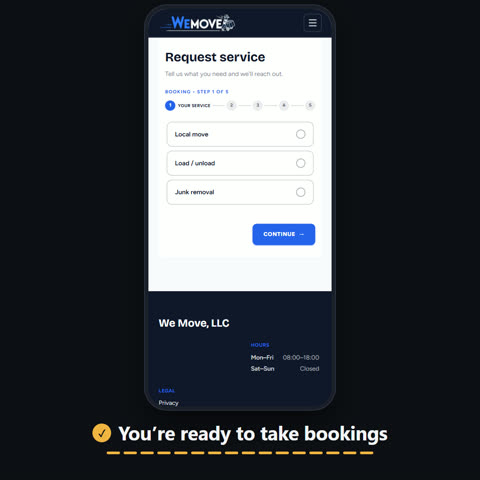
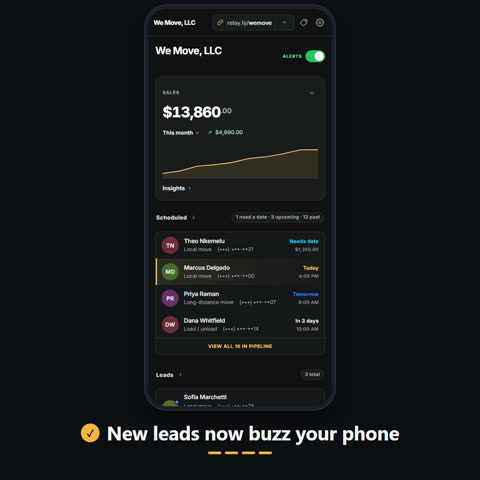
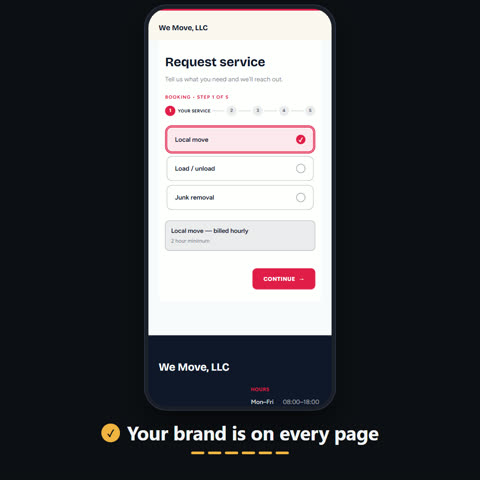
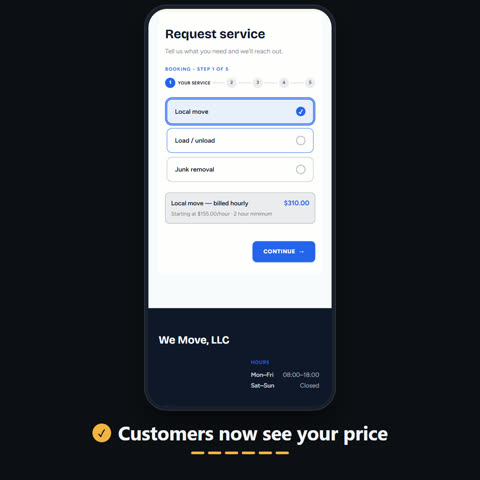
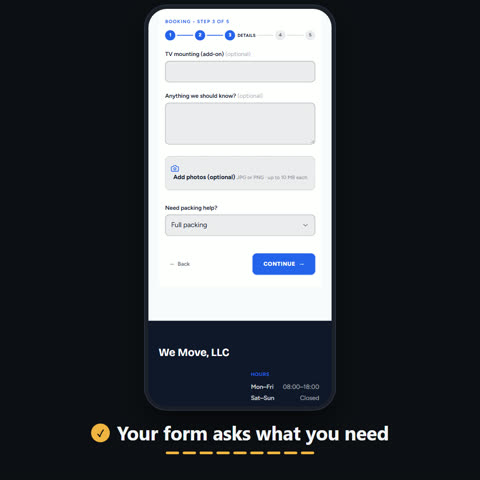
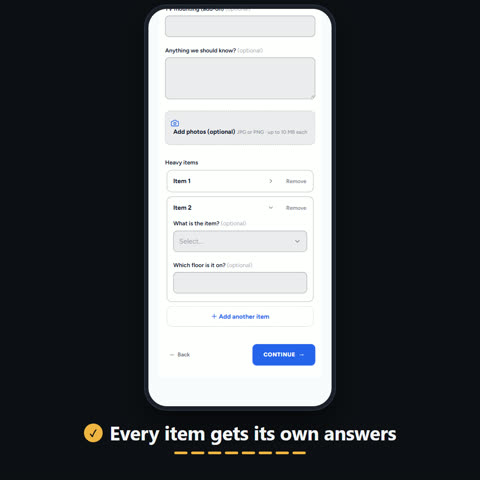
Your Relay link is at the top of your dashboard. Copy it, or tap Share Link. It opens your own website, with your services and the form customers book from.
Watch: Get started with RelayLeads
Can I take a deposit instead of the full amount?
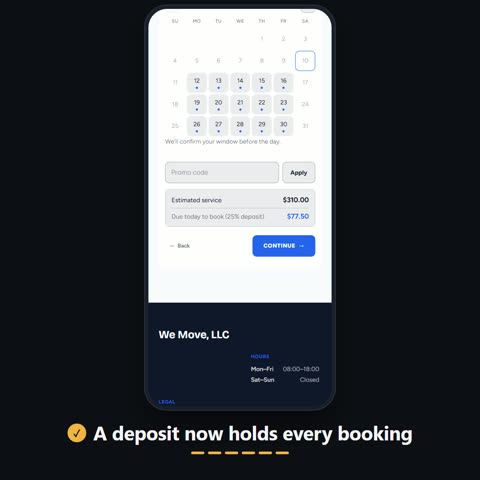
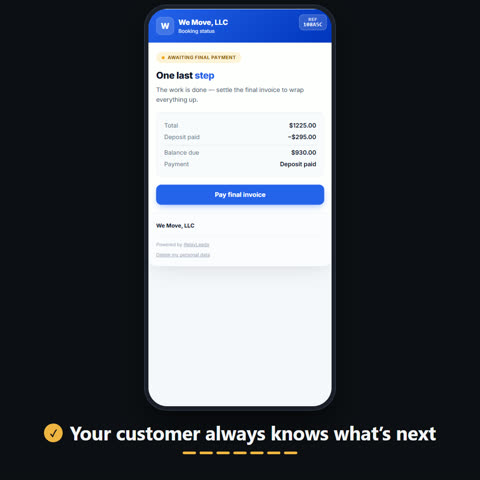
Yes. Open Settings, then Connections, then Payments, and switch on Require a deposit. Choose a percentage of the quote or a flat amount. The rest is billed when you close the job.
Watch: Take a deposit when customers book · Get started with RelayLeads
What is Next Step?
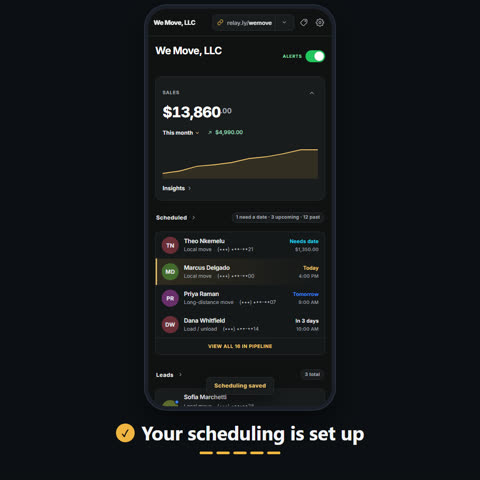
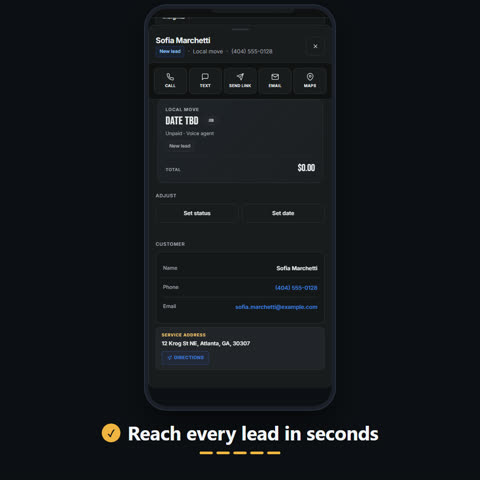
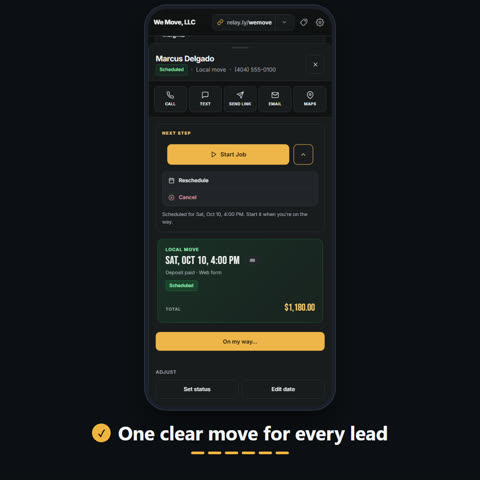
Every lead shows one Next Step, the move to make now. On a new quote request it is Create Payment. When a deposit has not been paid it is Nudge to Pay. Once a job is paid and scheduled it is Start Job. The arrow beside it holds your other moves, like reschedule or cancel.
Watch: Know your next step on every lead · Respond to a new lead
Do my customers need an app or a login?
No. Every booking gets its own status page, opened from a link. It shows their date, the total, and the deposit they paid.
Watch: What your customer sees